
In short
Good guest communication before arrival gives information in steps: confirm the booking, collect missing arrival details, share practical preparation and send the final access information shortly before check-in. Put lasting details in a mobile guest guide and keep messages short. Automate the fixed part, but have a person assess exceptions and questions.
Why one long message does not work
After a booking, a guest mainly wants certainty: is everything confirmed and what do I need to do now? A long text with parking rules, wifi, waste, restaurant tips and departure arrangements comes too early. Important information disappears among details that only become relevant later. As a result you still get the same questions just before arrival.
In our own apartments, Kevin and Heidi have noticed that timing matters at least as much as wording. Give only what is needed at that moment and say where the rest can be found reliably. A guest should not have to search through five messages, a PDF and a loose photo.
Message 1: confirm and set expectations
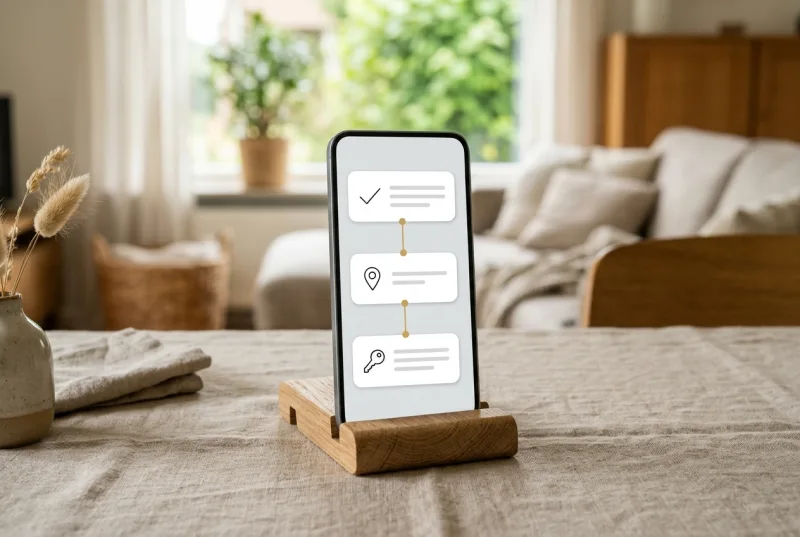
Send a short confirmation immediately after booking. State the stay dates, thank the guest and explain when the practical arrival information will follow. Ask only for missing details you really need, for example an expected arrival time if it affects your planning.
Avoid a list of prohibitions at this stage. State the main property conditions clearly and refer to the house rules already accepted. When a question can affect the booking, such as accessibility or bringing a pet, deal with it personally and as quickly as possible.
Message 2: prepare the arrival
A few days before arrival, the route, parking, public transport, luggage and the agreed check-in window are relevant. Give one recommended route and mention a local bottleneck only if it is genuinely current. For apartments, also write clearly which entrance, floor or lift the guest needs.
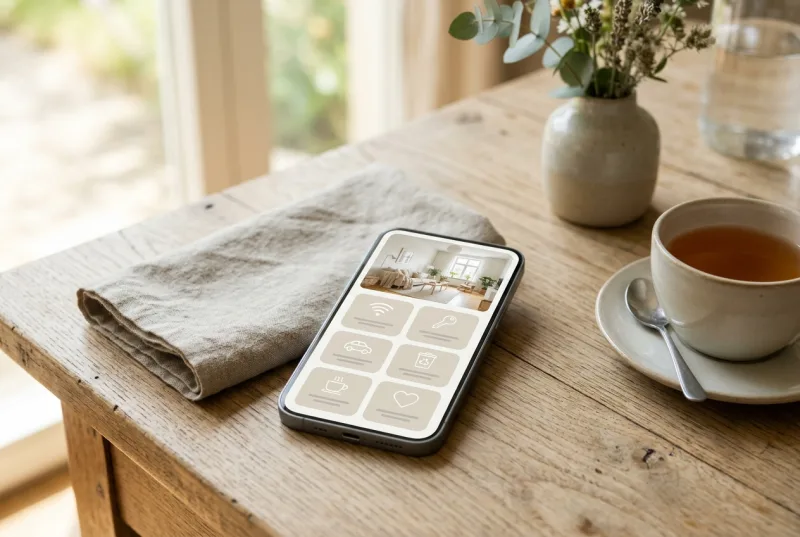
This message is a good place for the link to the digital guest guide. The guide contains information that does not need to be repeated in conversation: use of appliances, waste, wifi, local tips and emergency information. Make sure the guide works well on a phone and that essential check-in information stays reachable without long navigation.
Message 3: send access securely and on time
Final access information should be close enough to arrival to be easy to find. First check that the property has been released and that the code, key safe or key handover is correct. Never share old codes that stay active for several guests.
Airbnb shows check-in instructions for suitable reservations 48 hours before arrival and supports scheduled messages and quick replies. That makes automation handy, but checking remains necessary for early arrival, late check-out, last-minute bookings and technical problems. Use only platform features that are available for your location and account.
Automate the structure, not the guest
Scheduled messages save time when the basics are stable. Work with variables for name, date and check-in time, but always read exceptions. A family with a baby, a guest arriving by train and someone with limited mobility have different questions. A personal reply to such a detail does not feel like marketing; it prevents problems.
Also make short answers for recurring questions. Airbnb offers quick replies and a sending history for scheduled messages. Store not only a text, but also the owner of the reply: who responds when the question deviates, the guest does not reply or something changes just before arrival?
What does not belong in an automatic message?
Do not share sensitive information earlier than necessary. Avoid internal alarm codes, permanent access codes, personal data of staff and details about periods when no one is present. Also do not write an automatic promise the operation cannot keep, such as guaranteed earlier check-in.
A fault, complaint or unclear reservation calls for a real conversation. So automate the welcome and the structure, but not responsibility. The guest must know how to ask an urgent question and who can be reached.
Measure whether communication is really getting better
For a month, keep track of which questions come back before arrival. If three guests cannot find the same parking spot, that is not a “silly question” but a signal that the explanation can be better. Adjust the right message or the guest guide and remove outdated information.
Do not only look at fewer messages. Good communication should also bring fewer failed check-ins, fewer emergency phone calls and better comments about clarity. That way automation becomes a quality tool rather than a way of keeping guests at a distance.
When to outsource guest communication?
Outsourcing helps when you cannot be reachable every day, use several channels or receive messages in different languages and at different times. Then ask how the manager works with templates, exceptions, escalations and an up-to-date guest guide. You need to know who replies, in what context and when someone steps in locally.
Guestflow combines fixed messages with personal follow-up. Kevin and Heidi know the property information, tune the timing to the operation and take over when a standard reply is not enough. That keeps communication efficient without the guest feeling they are talking to a robot.
Frequently asked questions
How many messages do I send before arrival?
Three clear moments are usually enough: booking confirmation, practical preparation and final check-in information. Only add a message if it solves a concrete task or uncertainty.
When do I send the access code?
Close enough to arrival to be easy to find, and only after access and release of the property have been checked. The exact moment depends on your process and platform.
What goes in a digital guest guide?
Wifi, use of appliances, waste, how to get there, parking, local tips, emergency information and departure arrangements. Also keep urgent check-in information directly available.
May I automate all messages?
Automate repeatable information. Questions, exceptions, complaints and operational changes need human assessment.
Does communication help with reviews?
Clarity before arrival reduces frustration and check-in problems. Reviews do, however, depend on the whole experience, not on messages alone.